01 290 900
Choose "Products & Services"
Open your Suyool app and tap on "Payments" then choose "Products & Services"



Open your Suyool app and tap on "Payments" then choose "Products & Services"
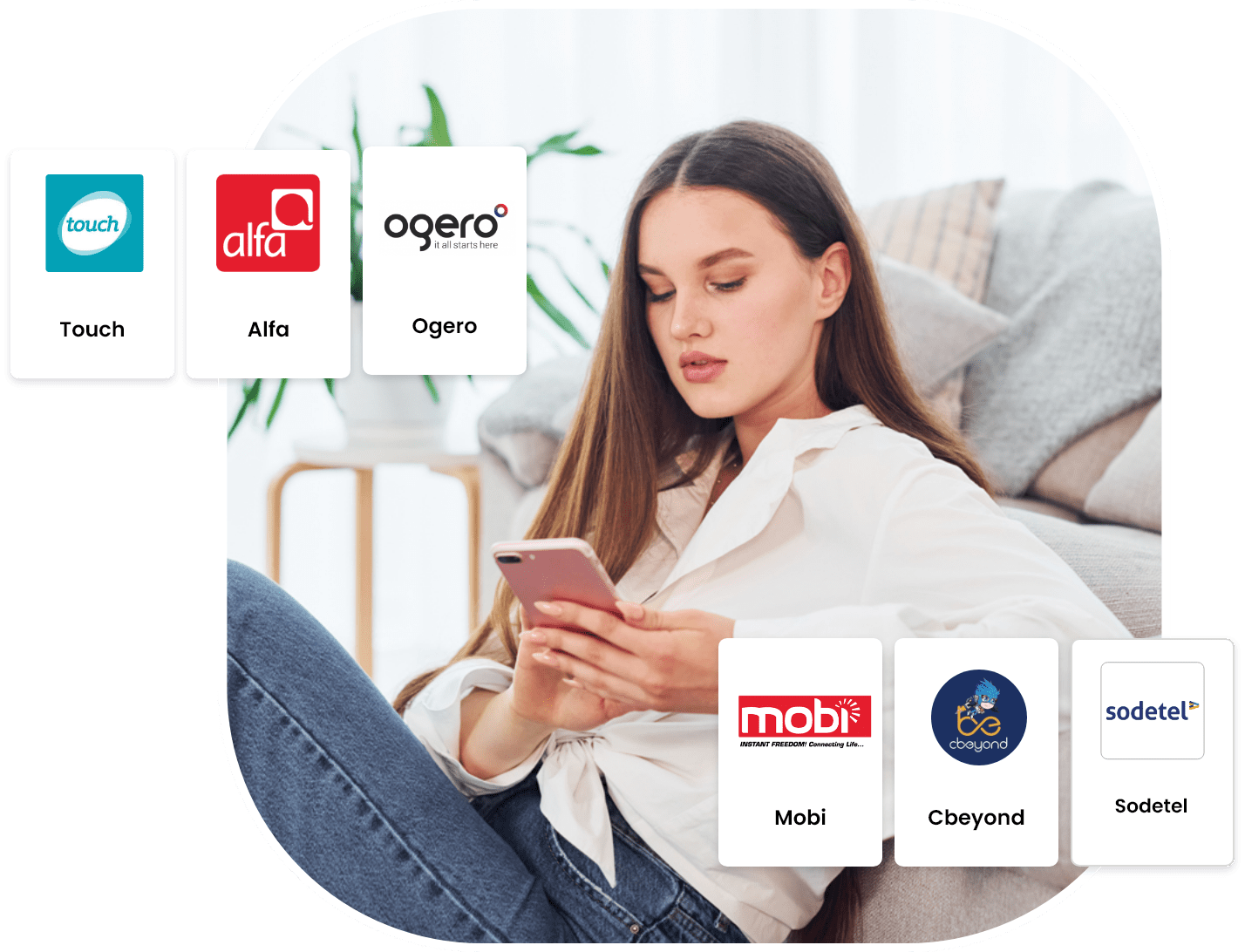
Choose which bill you'd like to settle. It can be Ogero, Sodetel, Alfa, Touch, or any other.
Fill in the info required and settle the bill.
All bill fees are mapped out before processing the transaction.
Suyool Youth allows your child to pay Alfa bills & MTC Touch bills directly from their phone.
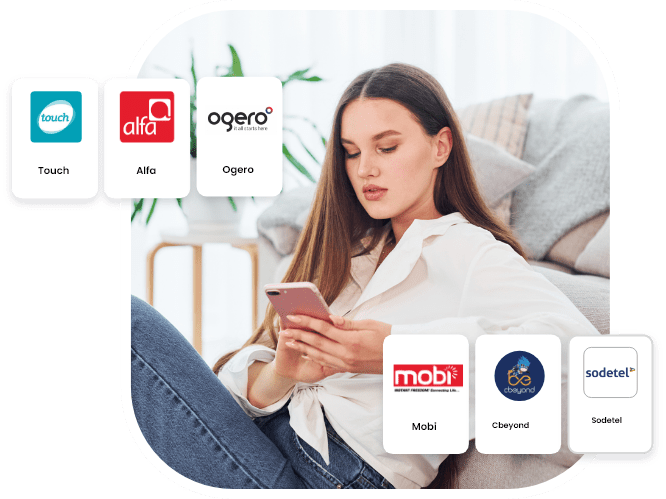
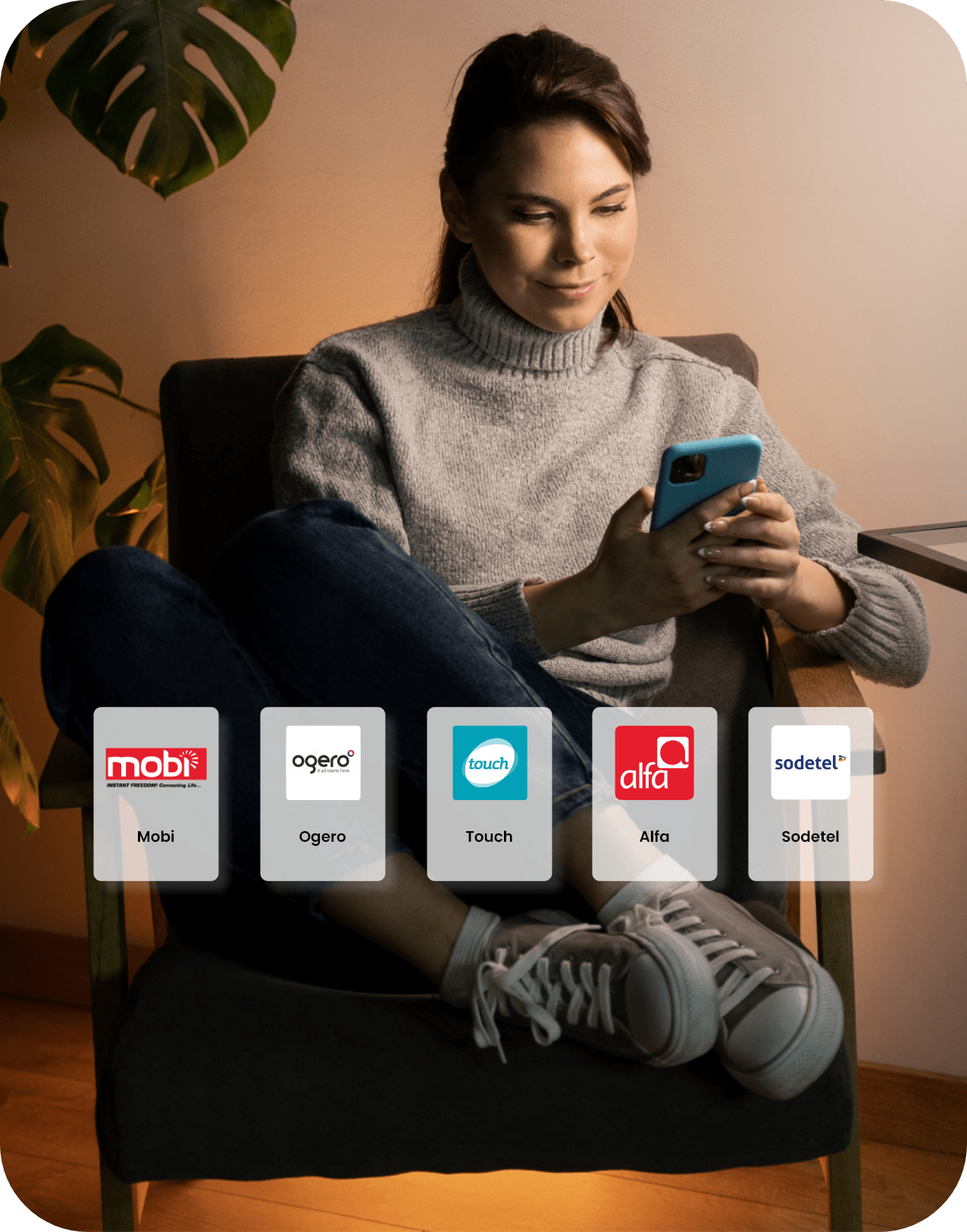
There is a variety of bills you can pay through Suyool. It can be Ogero, Sodetel, Alfa, Touch, etc. You can browse the options in the Payments tab.
Yes, you can choose to automate your Ogero bills for example.