01 290 900
1
Drag Down Your QR
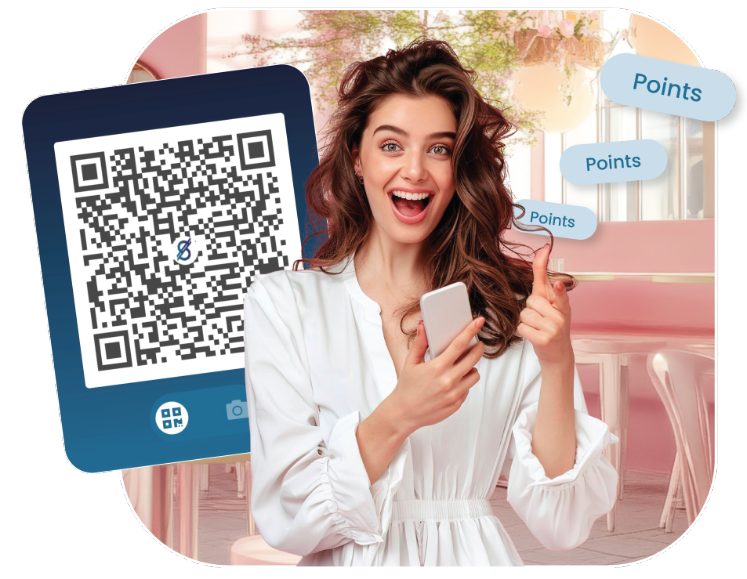
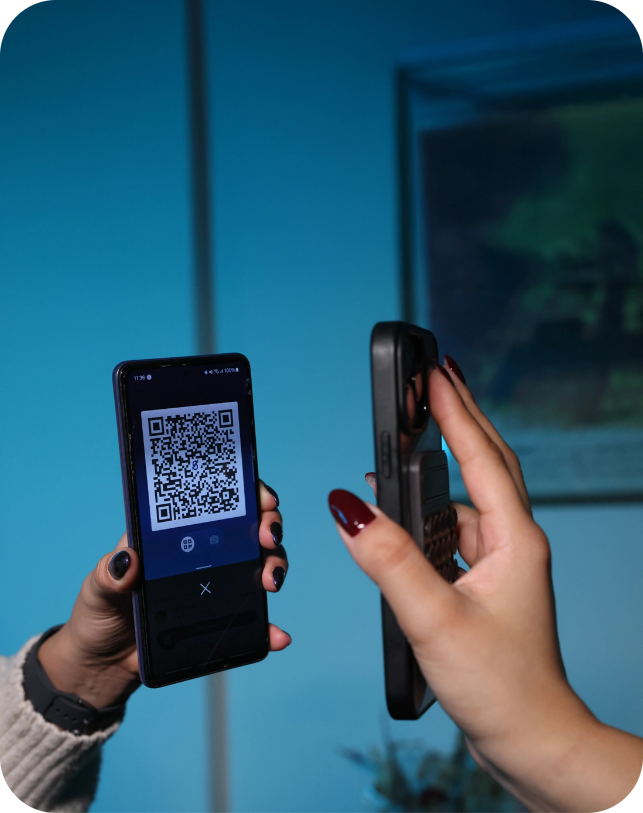
Open your Suyool app and drag down the slider above to reveal your QR, unlock it by code, finger print, or Face ID.



Open your Suyool app and drag down the slider above to reveal your QR, unlock it by code, finger print, or Face ID.

Let the cashier scan it, or in case you're on a website, choose the in-app camera option to scan the displayed QR.

Choose the discount you like from the rewards tab and enable it.
Drag down the slider above to reveal your QR, unlock it by code, finger print, or Face ID.
Make a regular QR payment and the discount will be automatically applied.
You earn Up to 6 points for every full dollar spent when using Suyool QR at our network of merchants.
Simply pay by scanning your Suyool QR code at the merchant's checkout, and your discount will be automatically applied.
The QR code never contains your actual card or bank details, and all data sent during the transaction is protected with end-to-end encryption.
Visit the rewards tab in the Suyool App, and choose the Shops column. It'll display all our merchants for you.